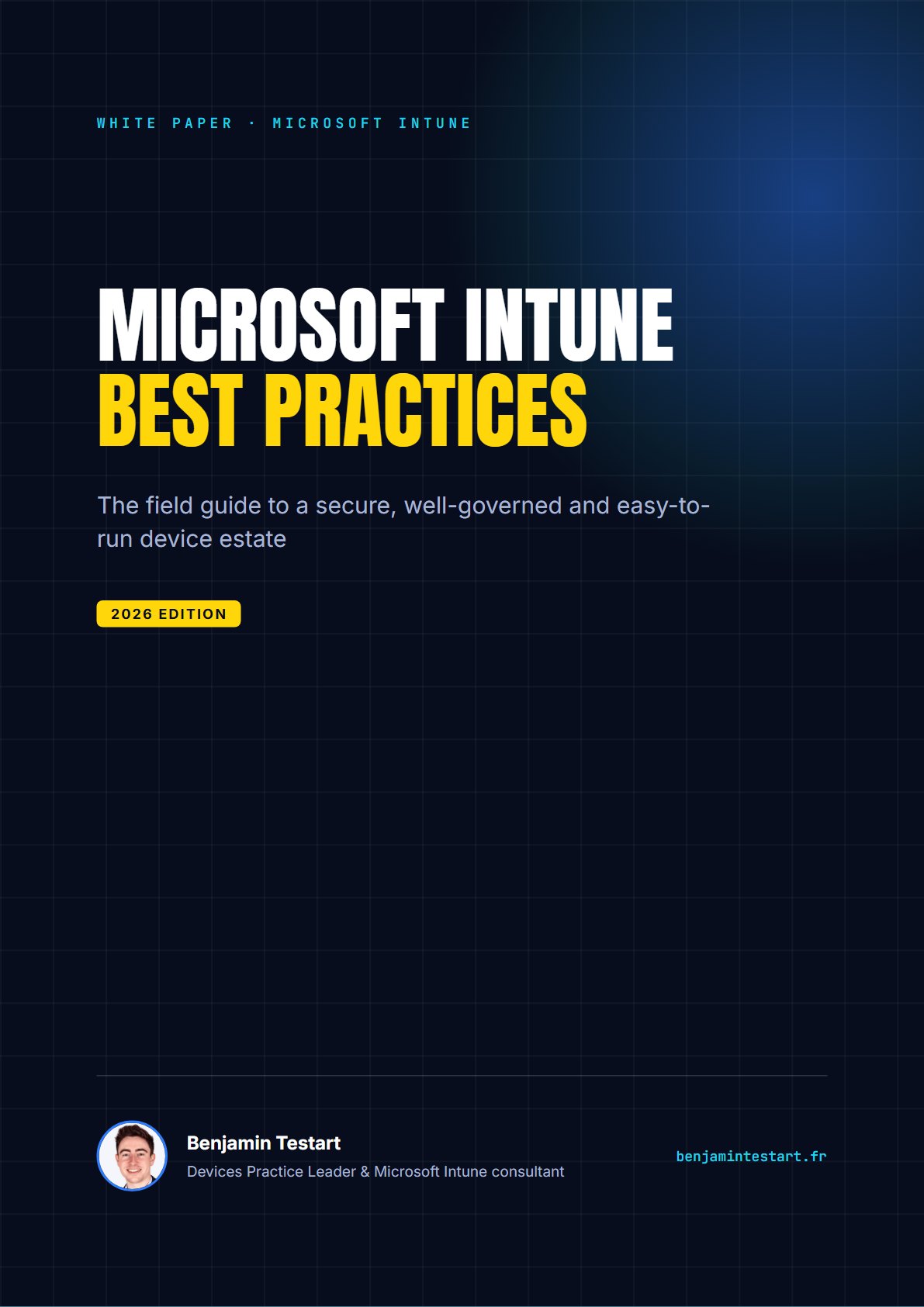
Microsoft Intune: best practices
The field guide I apply for my customers to build a secure, well-governed and easy-to-run device estate: the decisions to make early, the pitfalls to avoid and the settings that make the difference in production.
Here you go!
Your white paper is ready. A copy of the link has also been emailed to you (check your spam folder just in case).
Download the PDFWhat’s inside
- 01
Lay solid foundations
RBAC, PIM, Multi Admin Approval, naming convention, filters and deployment rings.
- 02
Master enrollment
Autopilot and Autopilot device preparation, Entra join, ESP, Apple Business Manager, Android Enterprise.
- 03
Compliance and Conditional Access
The settings that make Zero Trust actually work, without locking yourself out.
- 04
Configure without chaos
Settings catalog, security baselines and conflict management.
- 05
Secure the endpoints
Defender for Endpoint, ASR rules, BitLocker, LAPS, Windows Hello for Business, EPM.
- 06
Keep the estate up to date
Rings and deadlines, Windows Autopatch, drivers, DDM for Apple.
- 07
Applications
Win32 and supersedence, Enterprise App Catalog, self-service, app protection (MAM).
- 08
Monitor and automate
Reports to follow, Endpoint analytics, remediations, configuration backup.
- 09
Governance and lifecycle
Device cleanup, change management, keeping up with new features, support.
- ✓
Bonus: the 30-point checklist
A ready-to-use list to audit your Intune tenant in an hour and prioritize your work.
Who is it for?
Administrators, architects and IT managers who are starting with Intune, migrating from Configuration Manager or want to bring order to a tenant that grew too fast.

Benjamin Testart
A Microsoft consultant for more than 10 years, I design and roll out device management and endpoint security environments for organizations: Microsoft Intune, Windows Autopilot, Microsoft Entra ID and Microsoft Defender for Endpoint. On this blog and on YouTube, I share practical, field-tested guides.
Frequently asked questions
Is the white paper really free?
Yes. In exchange, you agree to occasionally receive my communications: consulting offers, webinar invitations and Intune news. You can unsubscribe in one click.
What format is it?
An 18-page PDF in English (a French version also exists). The download link appears immediately and is emailed to you.
What do you do with my data?
It is only used to send you the white paper and my communications. It is never sold or shared, and is deleted 3 years after our last contact or on request.